How to resolve “Windows HVCI mode detected!”
Turn off Memory integrity
- Open Start, search for Windows Security, and open the app.
- Select Device security, then Core isolation details.
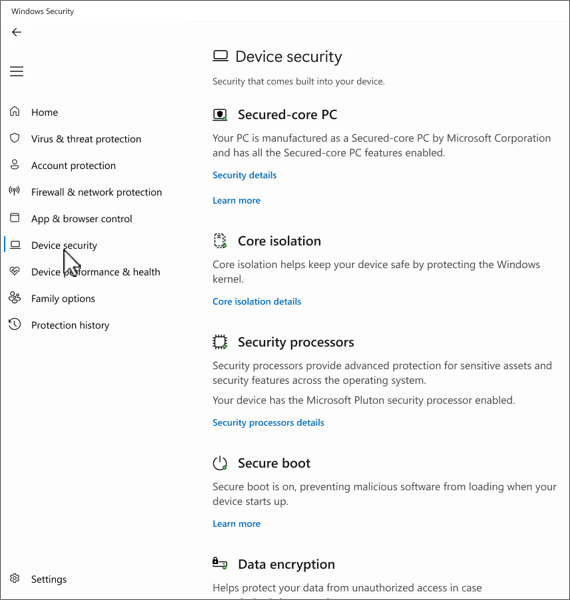
- Set Memory integrity to Off. Approve an administrator prompt if one appears and you are ready to proceed.
- Save your work and restart your PC. Check that the toggle remains Off before trying the Launcher again.
Turn protection back on
Return to Windows Security → Device security → Core isolation details. Set Memory integrity to On and restart. If it cannot be enabled, review the incompatible driver list and update those drivers first.
Microsoft Support: Turning off Memory integrity ↗